
Not every great clip on Facebook is a quick vertical Reel. Sometimes it’s a twenty minute cooking demo from a Page you follow, a school concert posted publicly by a proud parent, or a news clip somebody shared with an fb.watch link. This Facebook video download tool lets you save those regular videos as MP4 files.
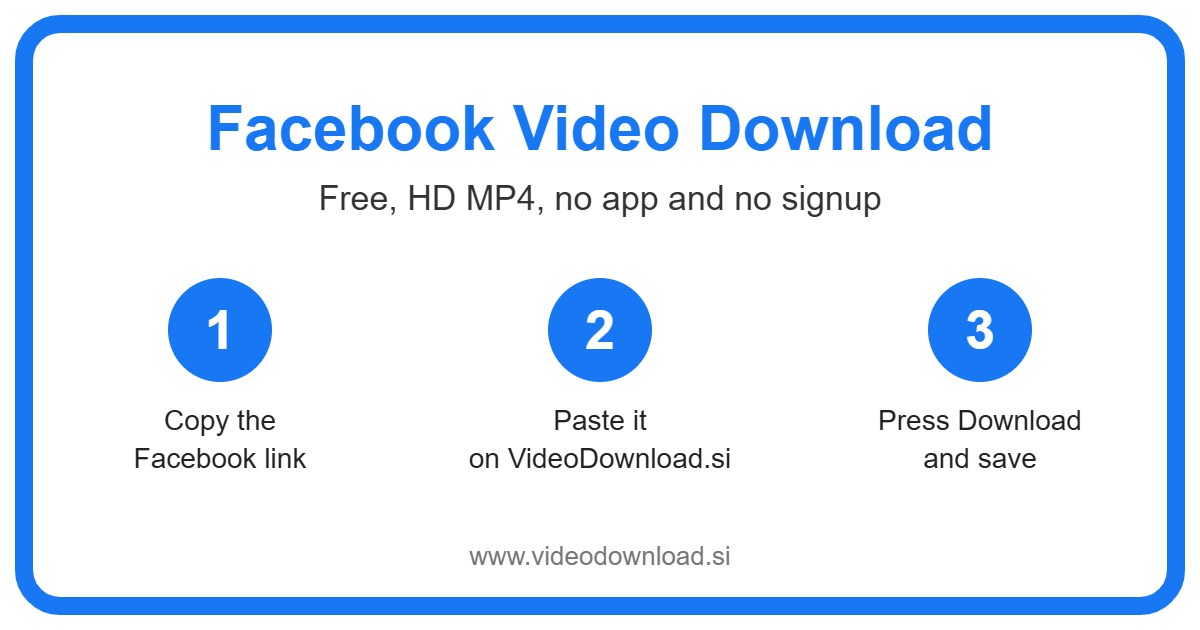
Just paste the link into the box at the top of this page and press Download. It’s free, you don’t need to sign up, and there’s no app to install. It works in the browser on Android, iPhone, iPad, Windows and Mac.
Which videos work with a Facebook video download?
Facebook has a few different kinds of video, and people get mixed up about which ones a downloader can handle. Here’s the simple version.
- Regular videos on Pages. Think of a local restaurant, a football club, a news outlet or a band. If the Page is public, its videos generally are too.
- Videos on public profiles. When someone sets a video post to Public, anyone can see it, and you can save it here.
- fb.watch links. These are the short links Facebook makes when you share a video. They work just like the long ones.
- Public videos in Facebook Watch. Watch is Facebook’s video section, and the public videos there can be saved too.
- Reels. Those short vertical clips work as well, though we’ve got pages just for them if that’s what you’re after.
What won’t work? Videos inside private groups, posts shared with friends only, age restricted videos and anything that’s been taken down. If you can only see it because you’re logged in and a member, the tool can’t get to it.
How the Facebook video download works
The steps for a Facebook video download are the same whether the video is two minutes long or forty.
- Open the video in the Facebook app or on Facebook.com.
- Tap Share or the three dots next to the post.
- Choose Copy link. If you got an fb.watch link from someone, you can use that directly.
- Head back to this page.
- Paste the link into the box at the top.
- Press Download, then save the MP4 when it appears.
Tips for phones
Longer videos mean bigger files, so it’s worth being on WiFi if you’re saving something over a few minutes. On iPhone or iPad, Safari stores the file in the Files app under Downloads. Open it from there, tap share, then Save Video to put it in Photos. On Android, check your Downloads folder or gallery.
Tips for computers
On a PC or Mac, copy the post’s address while the video is open, paste it here, and the file goes to your normal downloads folder. A computer is often the easier option for long videos, since you’ve usually got more storage space and a steadier connection.
Real reasons to keep a Facebook video
Why would you bother? Well, here are some situations that come up all the time.
Your local church or community group streams its events and later posts them as public videos on its Page. Your aunt couldn’t make it and doesn’t use Facebook. Save the video, put it on a USB stick or send her the file, and she gets to watch the whole thing on her own TV or laptop.
Or maybe you run a Page for your yoga classes. Over the years you’ve posted dozens of videos, and you’d like copies of your own work safely stored somewhere that isn’t just Facebook. Saving them one by one gives you that backup.
And then there’s the simple stuff. A long recipe you want to follow in the kitchen without your phone locking every minute. A how to video for fixing a leaky tap. A talk you’d like to listen to on a long drive where the signal keeps dropping. A quick Facebook video download means it’ll play anywhere, no internet needed.
What makes it pleasant to use
Doing a Facebook video download here shouldn’t feel like work, so the page is built around a single box. Paste, press, save. You won’t be pushed into making an account, and we’ll never ask for your Facebook password or login. Since only public videos are supported, there’s simply no need for them.
You get the best quality Facebook makes available for each video. If a Page uploaded a crisp, clear recording, your copy will look just as good. Older or low quality uploads stay the way they were, because a downloader can’t add detail that was never there.
It also doesn’t matter which device you grab first. Start on your laptop today and use your phone tomorrow, the tool works the same in any modern browser. Just so you know, this site is independent and isn’t linked to Facebook or Meta.
Fixing common Facebook video download problems
If something’s not right, run through these before giving up.
The link isn’t accepted
Check you’ve copied the link to the video post, not to the Page or the profile. A link to someone’s timeline won’t help. If you’ve got an fb.watch link, paste it as it is. Opening the link in a new tab first is a quick way to confirm it goes to the right video.
The video is in a group
Private group videos can’t be saved here. That’s by design, because those members expect their posts to stay inside the group.
It says the video isn’t available
The post might be set to friends only, marked as age restricted, or deleted. Videos can also vanish when a Page removes them. If you can’t open it while logged out, the tool won’t be able to reach it either.
The download stopped halfway
Long videos are big files, and slow WiFi can cut things off. Move closer to your router, close other downloads, or try again later. A file that didn’t finish won’t play properly.
I don’t know where it saved
Have a look in Downloads. On iPhone, that’s inside the Files app. On a computer, your browser’s download list will show the file and let you open its folder.
Please respect the people behind the videos
Whether it’s a big Page or a neighbour’s public post, someone owns that video. Download your own videos or ones you’ve got permission to use, and keep them for personal offline watching. If you share one, credit the creator. Please don’t reupload other people’s videos as your own.
Questions people ask
Does the Facebook video download tool work with fb.watch links?
Yes. Paste the fb.watch link straight into the box and it’ll be treated like any other Facebook video link.
Can I save videos from Facebook Watch?
Public videos in Facebook Watch work fine. Copy the link from the video and paste it here.
Is there a limit on video length?
Longer videos just take more time and need more space on your device. Use WiFi and make sure you’ve got room before saving something really long.
Why can’t I download a video from my private group?
Private group videos are only visible to members who are logged in. We never ask for your login, so those videos stay out of reach.
Is it free?
Yes. Every Facebook video download here is free, and you don’t have to sign up for anything.
What format will I get?
An MP4 file, which plays on nearly every phone, tablet, computer and smart TV.
Keep the videos that matter
Facebook is full of videos you’ll want to see again, from your favourite Page’s tutorials to a public clip of your kid’s sports day. Copy the link, paste it in the box at the top, and keep a copy you can watch anytime, anywhere. It’s quicker than you’d think.
More Free Video Download Tools
Want to save something else? Try our Facebook Short Download, Facebook Reel Download, YouTube Video Download, TikTok Video Download. You can also head back to the VideoDownload.si home page to see every tool in one place.
If a link will not copy or a clip seems to be missing, the official Facebook Help Center explains how sharing and privacy settings work on Facebook.