
Found a great clip on Reddit or Pinterest and want to keep it? This other video downloader is for the popular places that aren’t the big six. Instagram, TikTok, YouTube, Facebook, Twitter (X) and LinkedIn each have their own page on VideoDownload.si, so if your link comes from one of those, head there instead. For every other video download, this page picks up the rest.
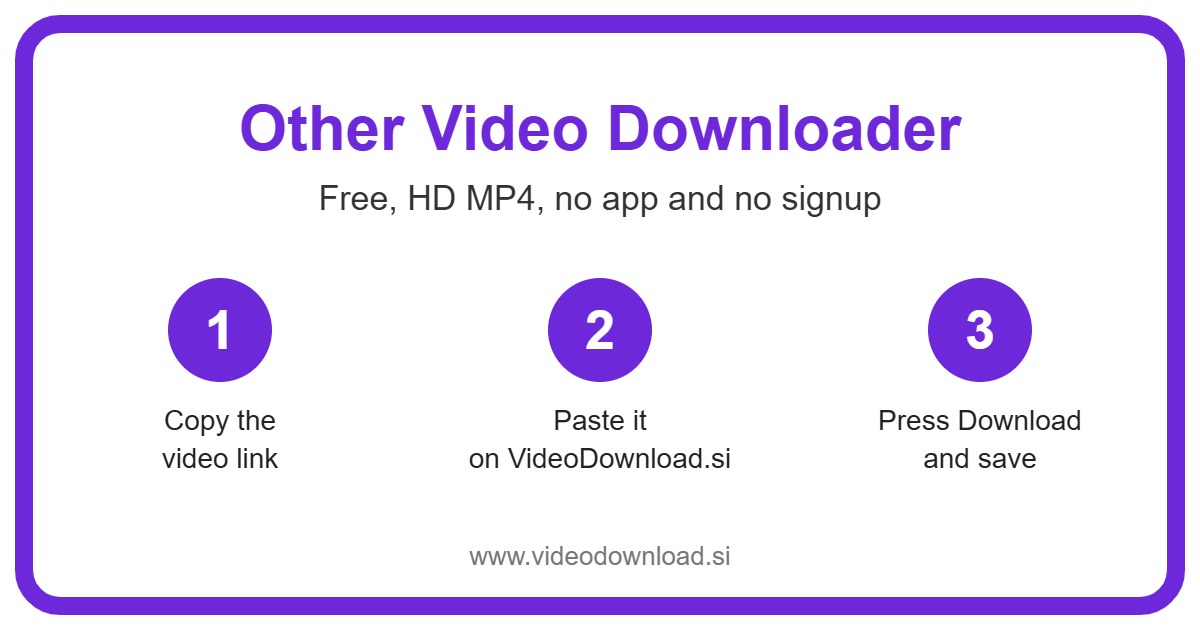
It works the same way as our other tools. You copy a link, paste it into the box at the top, press Download and save the file. There’s no sign up, no app to install, and it’s free. It runs in the browser on Android, iPhone, iPad, Windows and Mac.
One more thing before we start. If you’re after short vertical clips from these same sites, like a quick Snapchat Spotlight or a little Reddit clip filmed on a phone, our sister page Other Short Downloader is made just for those. For everything else, you’re in the right place.
Which sites work with the other video downloader
Right now this page supports nine sites: Reddit, Pinterest, Vimeo, Dailymotion, Threads, Snapchat Spotlight, Twitch clips, Bilibili and Tumblr. That’s the full list. If you paste a link from anywhere else, you’ll get a short message telling you which sites do work, so you’re never left guessing. We add more sites over time, so it’s worth checking back.
People save all sorts from Reddit, from funny pet clips to a DIY fix someone filmed in their garage. If you want to download videos from Reddit, both the normal post link and links starting with v.redd.it work fine. Just copy it from the Share button on the post.
Pinterest is full of short recipe videos, craft ideas and home makeover clips. For a Pinterest video download, the pin.it short links you get from the Share button work, so you don’t have to hunt for the long address.
Vimeo
Vimeo tends to host short films, wedding videos and work by filmmakers who care about picture quality. A Vimeo video download works for public videos, and Vimeo often offers a few quality levels, so you can pick the one that suits your phone or laptop.
Dailymotion
Dailymotion has lots of news clips, sports highlights and music videos. Copy the link from the address bar or the share option and paste it in as normal.
Threads
Threads videos are usually short and casual, like a quick chat with pictures. Tap the share icon under the post, copy the link and you’re set.
Snapchat Spotlight
Spotlight is the public video feed inside Snapchat, packed with funny moments and trends. Only Spotlight videos are supported, not private snaps or stories sent between friends.
Twitch clips
Gamers love saving that one unbelievable play from a stream. Twitch clips work well and they’re usually short, so they download quickly. Copy the clip link, not the link to the whole channel.
Bilibili
Bilibili is a big Chinese video site known for animation, gaming and music covers. Copy the link from the share option, paste it in, and the tool takes care of the rest.
Tumblr
Tumblr has fan edits, art timelapses and odd little clips you won’t find anywhere else. Use the link to the post itself rather than the blog’s home page.
How to use the other video downloader, step by step
- Open the video in the app or on the website.
- Tap Share or the three dots, then choose Copy link.
- Come back to this page and paste the link into the box at the top.
- Press Download.
- Choose a quality, or Audio only, then save the file.
On a phone, keep this page open in a second tab so switching back and forth is quick. On iPhone, Safari puts the file in the Files app, inside the Downloads folder, and from there you can save it to Photos. On Android, have a look in your Downloads folder.
On a computer it’s even simpler. Copy the link from the address bar, paste it, and the MP4 goes wherever your browser normally saves downloads.
Picking a quality, or just the sound
Where a site offers more than one version of a video, your other video download comes with a choice such as 720p, 480p or 360p. Higher numbers look sharper but make bigger files. If your phone is nearly full, or you’ll only watch on a small screen, a lower one is perfectly fine.
There’s also an Audio only option. That’s handy for a Dailymotion interview you’d like to hear on a walk, or a Bilibili music cover to play in the car. Some sites only offer one version, and then the tool simply gives you the best quality that site makes available.
Why people use the other video downloader
Honestly, the reasons for an other video download are mostly ordinary. Say your aunt sent you a Pinterest recipe for lemon cake. You want it on your phone so it’s right there in the kitchen, even when the WiFi drops out halfway through mixing.
Other people back up a Twitch clip of their own best moment, or keep a Vimeo video of a friend’s wedding to watch on a long flight. Some want to show a Reddit clip to a grandparent who’s never opened Reddit in their life. Having the file on hand makes all of that easy.
What makes it simple
You don’t need a separate tool for each site. This other video downloader covers all nine with one box, and it works out by itself which site the link came from. Nothing to install, no account to make.
We also never ask for your password or login for any site. If a download tool ever asks you for that, close the tab.
Things that won’t work
Some videos simply can’t be saved, and it’s better to know that before you try. These won’t work with other video download on this page:
- Private posts, or posts you can only see after logging in
- Posts marked as adult or sensitive
- Paid or members only videos, for example private Vimeo videos or subscriber only Twitch content
- Videos that have been deleted
And as mentioned, links from sites that aren’t on our list get a short message showing what does work. If it’s an Instagram, TikTok, YouTube, Facebook, X or LinkedIn link, just use the page made for that site. This other video downloader is only for the nine sites above.
Problems and quick fixes
The link doesn’t work. Check you copied the whole link and that it’s from one of the nine sites. Pasting a profile or home page link instead of the video itself is a really common slip.
It says the video is private. Then it’s behind a login or limited to certain people, and the tool can’t get to it.
The video won’t play. Try opening it in a different video player app. If you picked Audio only, there won’t be a picture, which is normal.
Where did my file go? On iPhone, check Files, then Downloads. On a computer, open your browser’s downloads list.
It’s really slow. Bigger files take a while on slow WiFi. Pick a lower quality, or wait until you’re on a faster connection.
Be kind to creators
Please only use other video download for your own videos or ones you have permission to use, and keep them for personal offline viewing. If you share one, credit the person who made it, and don’t reupload other people’s work. VideoDownload.si is not affiliated with any of these sites.
Questions people ask
Is the other video downloader free?
Yes. It’s free and there’s no sign up of any kind.
Why isn’t Instagram or LinkedIn on this page?
Because they have their own pages now, along with TikTok, YouTube, Facebook and Twitter (X). Use those for links from the big six.
Can I download videos from Reddit with the sound?
Yes, you should get the video with its sound, just as it plays on Reddit.
Does Pinterest video download work with pin.it links?
It does. Paste the short link exactly as you copied it.
Can I save a private Vimeo video?
No. Only public Vimeo videos work. Private ones, or ones that need a password, won’t.
What if my site isn’t listed?
You’ll see a short message listing the sites that do work for other video download. We add new ones over time, so check back now and then.
Does it work on iPad?
Yes, in the browser on iPad, as well as on iPhone, Android, Windows and Mac.
So next time a clip on Tumblr or Dailymotion catches your eye, you know what to do. Copy the link, paste it at the top of this page, and let other video download do the rest.
More Free Video Downloader Tools
Want to save something else? Try our Other Short Downloader, LinkedIn Video Downloader, Twitter Video Downloader, Facebook Video Downloader. You can also head back to the VideoDownload.si home page to see every tool in one place.
Not sure what an MP4 file is? This short guide to the MP4 format on Wikipedia explains why it plays on almost every phone, computer and TV.