
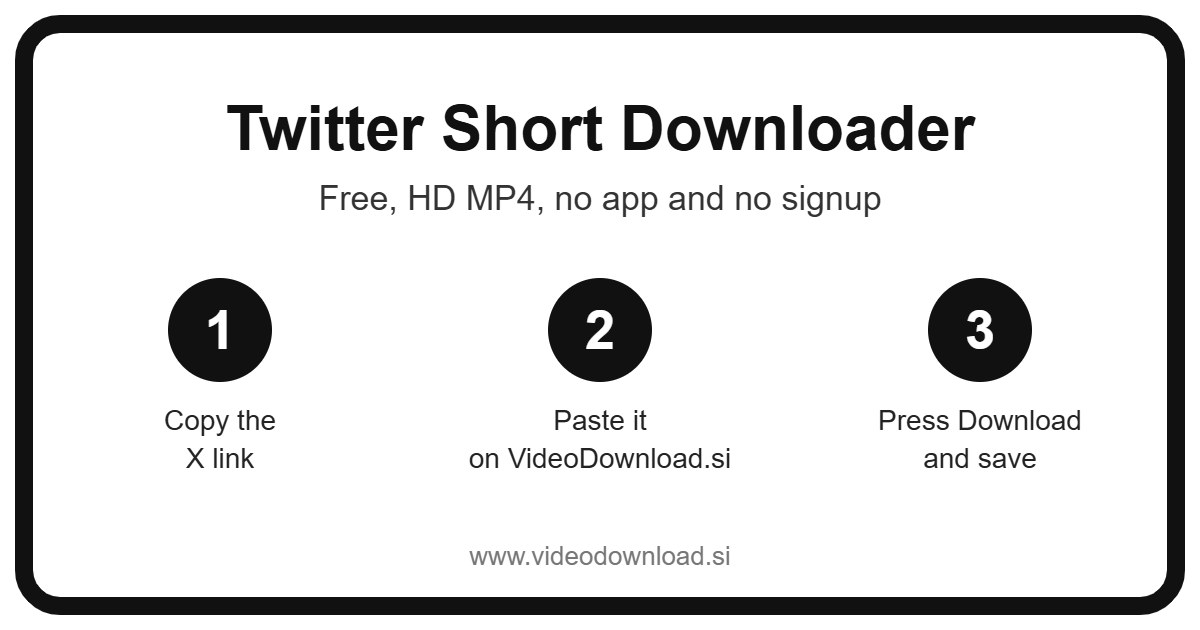
Quick answer: To download a X (Twitter) short clip, open it, tap the share icon and choose Copy link, paste the link into the Twitter Short Downloader box above and press Download. The short clip saves to your phone or computer as an HD MP4 file, free, with no app and no login.
| Twitter Short Downloader | Details |
|---|---|
| Price | Free |
| File type | MP4 video |
| Quality | HD, up to 1080p when the original allows |
| Watermark added by us | None |
| App or signup needed | No |
| Works on | Android, iPhone, Windows and Mac |
| Which videos | Public X (Twitter) short clips only |
Some of the best videos on X are over in ten seconds. A last minute goal, a toddler’s first wobbly steps, a quick kitchen trick. This Twitter short downloader lets you keep those little clips. Paste the post’s link in the box at the top, tap Download, and the short video is saved to your device as an MP4.
The Twitter short downloader is free, there’s no account to make, and you don’t need to install anything. If you can copy a link, you can do this.
Short clips are easy to lose, too. They flash past in your feed, you think “that was brilliant,” and by the time you scroll back up it’s gone. Saving it takes less time than trying to find it again.
A quick note on “Twitter Shorts”
Let’s clear this up kindly, because plenty of people search for it. Twitter has been renamed X, and X doesn’t have an official product called “Shorts.” That’s a YouTube name. On X, short videos are just videos in posts.
So when you search for a Twitter short download, you’re probably after one of these: a quick clip attached to a post, one of the vertical videos in X’s video tab, or a YouTube Short or TikTok that someone reposted onto X. As long as the video plays inside the post, this page can save it.
Your link can start with x.com or Twitter.com. Both work, and there’s no need to change anything.
How to use the Twitter short downloader in eight quick steps
- Find the post with the short clip in the X app or on the website.
- Tap the Share icon, or the three dots on the post.
- Pick Copy link.
- Come over to this page.
- Paste into the box at the top.
- Tap Download.
- If there are a few videos in that one post, you’ll see them all listed. Choose the one you want.
- Pick a quality such as 720p, 480p or 360p (each button shows the file size), or choose Audio only. Then save the MP4.
Phone and tablet tips
Short clips are tiny files, so a Twitter short download on a phone is usually almost instant. On iPhone or iPad, Safari saves them to the Files app, under Downloads. Tap the file, hit share, then Save Video, and it’s in Photos. On Android it’ll be in your Downloads folder, and your gallery app should show it too.
Laptop and desktop tips
On Windows or Mac, open the post so it’s the only thing on the page, then copy the web address from the bar at the top. Paste it here and the file lands in your normal downloads folder. Handy if you’re putting a few clips into a slideshow or a work presentation.
What do people do with short clips?
You’d be surprised how useful a ten second video can be. Here’s what we hear about most.
- Sports moments. Your team scored in stoppage time and someone posted the clip within a minute. Save it and you can replay it every time you need cheering up.
- Family milestones. Say your sister posted a short clip of the baby laughing for the first time. Keep a copy before it gets buried, and it’ll play just fine on the old tablet your parents use.
- Quick how to tips. How to fold a fitted sheet, how to reset a router, how to tie a tie. Short, useful, and much easier to follow from your gallery than from a search.
- Your own shorts. If you post quick clips on X, keep a backup in case the original slips off your phone.
- A clip for the group chat. Short videos are perfect for sending in WhatsApp or Telegram, and a smaller file sends faster.
- A sound you love. Use Audio only to keep a funny voice line or a few seconds of music as a ringtone idea.
Small files, sensible choices
Honestly, the nicest thing about short clips is that they don’t eat your storage. And this Twitter short downloader makes it easy to keep them small. Every quality button shows the file size before you tap, so you can see if you’re saving a couple of megabytes or a bit more.
On mobile data and want to be careful? Go for 360p. Want it sharp for a big screen? Pick the highest option on offer. The tool always gives you the best quality X provides for that clip, and you decide from there.
There’s nothing to sign up for and no app to install. It just runs in your browser on Android, iPhone, iPad, Windows or Mac. GIFs from public posts work as well, saved as MP4 so any device can play them.
Fixing a Twitter short download that won’t work
A Twitter short download is usually the easiest kind to do, but now and then something trips up. Here’s what to check.
Nothing happens after pasting
Check that you’ve copied a post link and not a profile or a search result. Post links include the word “status” and a long number. Also check the paste worked. Sometimes the clipboard still holds something older.
The account is protected
Protected accounts on X are private, and only people the owner approves can see their posts. The Twitter short downloader can’t get to those. We won’t ever ask for your X login, and you shouldn’t type it into any downloader.
The post says the video can’t be loaded
A few kinds of posts won’t work here: ones marked as sensitive or adult, ones that have been deleted, and live Spaces audio, which isn’t a video at all. Only videos and GIFs in public posts are supported.
The repost only shows a link
If someone shared a YouTube Short by pasting its link rather than uploading the clip, there’s no video in the post itself. In that case you’d need to go to the original.
The clip won’t play
A clip that stopped downloading halfway often won’t open. Try it again. On a computer, VLC is a free player that copes with almost any file.
Can’t find the saved file?
iPhone users, open Files and look in Downloads. Android users, check Downloads or the Files app. On a computer, open the browser’s downloads list and click the folder icon.
The download crawls along
Short clips are small, so a slow Twitter short download usually points to weak WiFi or mobile signal. Choose a lower quality, move closer to the router, or try again when your connection is better.
A word about other people’s clips
Short doesn’t mean free for anyone to take. Please only save clips you made yourself or ones you have permission to use, and keep them for your own offline watching. If you pass one along, name the person who posted it. Reuploading someone else’s video as your own isn’t fair on them, however quick the clip is.
Twitter short downloader questions
Does X have a Shorts feature?
No, Shorts is a YouTube name. On X, people use “shorts” for quick clips in posts, the vertical videos in the video tab, and reposted clips from other apps. A Twitter short download here handles all of them.
How long does the Twitter short downloader take?
For a short clip, usually just a few seconds once you tap Download, depending on your connection.
Can I pick a smaller file?
Yes. Each quality button shows the size, so you can choose a smaller one like 360p if you’re short on space or data.
Can I save a reposted YouTube Short from X?
If the video was uploaded into the post and plays on X, yes. If the post is only a link to YouTube, there’s nothing on X to save.
What if one post has several short clips?
The tool lists each video so you can pick the one you want, then come back for the others.
Is this site run by X?
No. VideoDownload.si is independent and not affiliated with X or Twitter.
Keep the little moments
The quick clips are often the ones we end up rewatching most. Next time a ten second video makes your day, copy the link, drop it in the box at the top, and your Twitter short download is finished before you’ve had time to scroll past.
More Free Video Downloader Tools
Want to save something else? Try our Twitter Video Downloader, Twitter Reel Downloader, Other Short Downloader, LinkedIn Short Downloader. You can also head back to the VideoDownload.si home page to see every tool in one place.
If a link will not copy or a clip seems to be missing, the official X Help Center explains how sharing and privacy settings work on X.